





Product description
Organize Your Family Life with Tabwee’s Smart Digital Calendar 
Stop Hunting Notes. Start Living Organized. 
Spark kids’ independence and healthy habits with fun!


Getting Started with TABWEE: A Step-by-Step Guide to Organizing Your Life How to Activate the Calendar
Step 1: Download the eCalendar App and create an account. Step 2: Go to Settings to power on and activate your calendar.
The video showcases the product in use.The video guides you through product setup.The video compares multiple products.The video shows the product being unpacked. How to activate your ecalendar Merchant Video
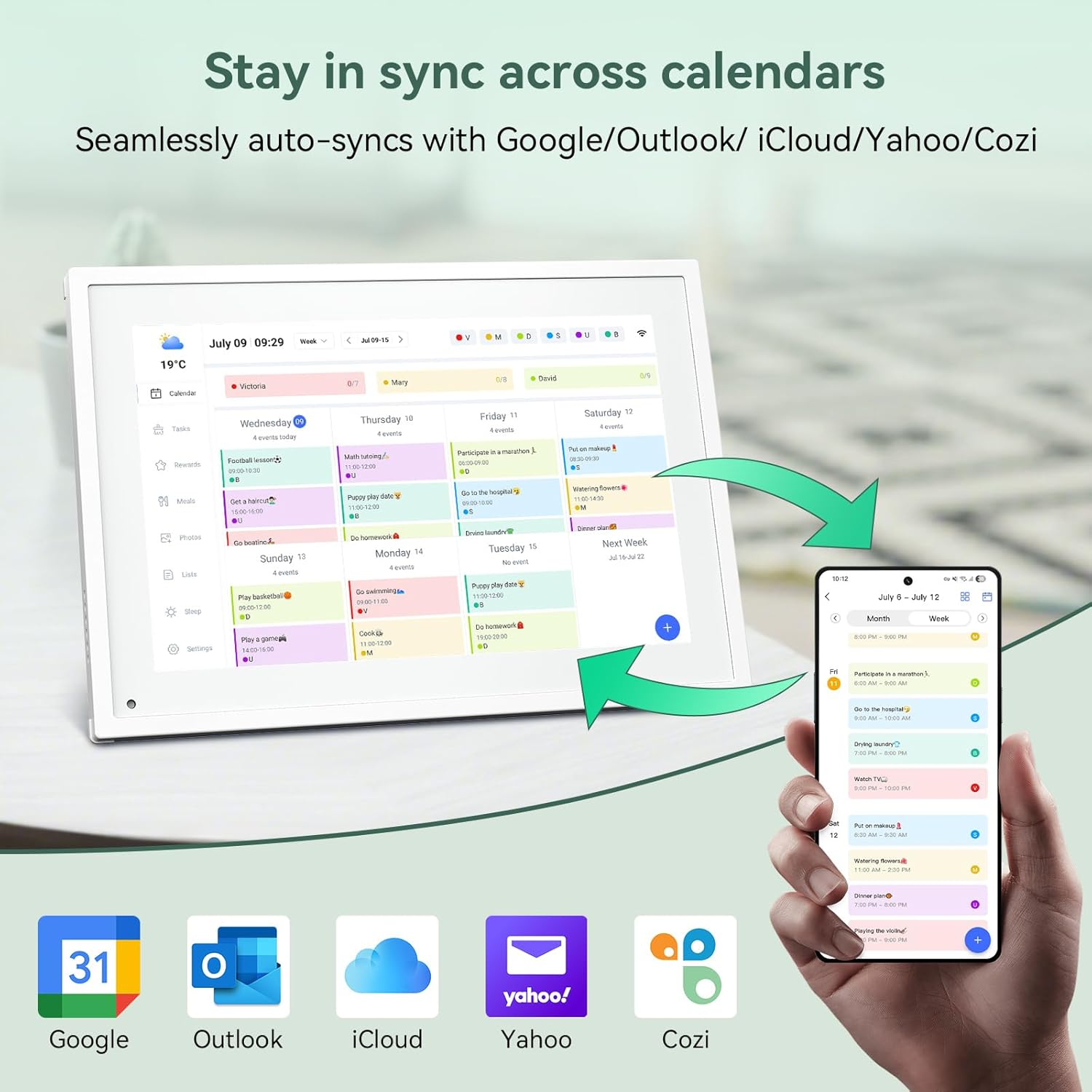
How to Sync Your Calendar
Sync Cozi/Google/Outlook/iCloud – Click “Cozi/Google/Outlook/iCloud” to sync dataSync Subscribed Calendar – Click “Sync Online Calendars”Sync Calendar URL – Click “Sync Online Calendars”
The video showcases the product in use.The video guides you through product setup.The video compares multiple products.The video shows the product being unpacked. How to Sync Your Calendar Merchant Video
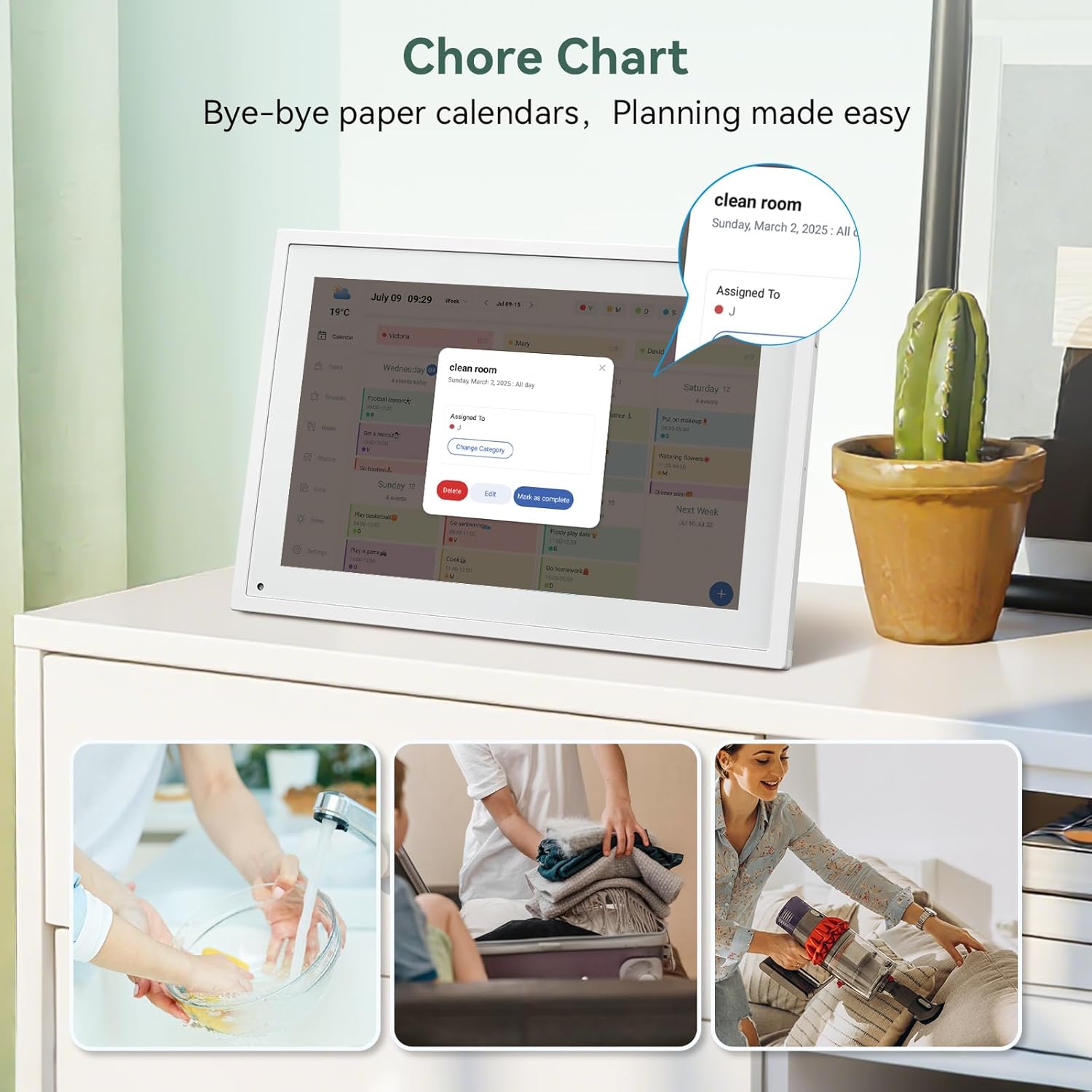
How to Set Up a Chore Chart on the Calendar
Click “Chores” and “+”Naming Chore-SaveSet Date & TimeSelect Category (Edit Ctategory Name &Pick color then click”Save)- watch for more step
The video showcases the product in use.The video guides you through product setup.The video compares multiple products.The video shows the product being unpacked. How to set up chore chart on the calendar Merchant Video
How to Create Events and Set Up Reminders
Turn on Device and click ” + ” at bottom of right Then press EventSet up Event-> Enter Event Title-> Set Start time &End time Or choose All day Select Catagory -> Set up Repeats-> Save
The video showcases the product in use.The video guides you through product setup.The video compares multiple products.The video shows the product being unpacked. how to creat events and set up reminders Merchant Video
How to Sync with Apps and the Calendar
How to Sync From App to Device
Open App–>Click to synchronize Electronic Calendar–> Click “List”–>Enter Content–>Sync successfully
How to Sync From Device to App
Click “Lists”–>Enter content to complete–>Click Add–>Sync successfully
The video showcases the product in use.The video guides you through product setup.The video compares multiple products.The video shows the product being unpacked. how to sync with apps and the calendar Merchant Video
Meal Planning with TABWEE Digital Calendar
How to Add/delete/edit dishes/plan on the device ?
Add: Click “Meals”–>Click on the breakfast/lunch/dinner/dessert–>Select or” + Add recipe” long press t o add more–>Sync to the Mobile AppEdit: Click “+ Add recipe”–> Clicking ” … “after–>Edit dish namesDelete: Click ” … “to delete
The video showcases the product in use.The video guides you through product setup.The video compares multiple products.The video shows the product being unpacked. meal planning with TABWEE digital calendar Merchant Video
Everywhere You Need It. Always Ready.


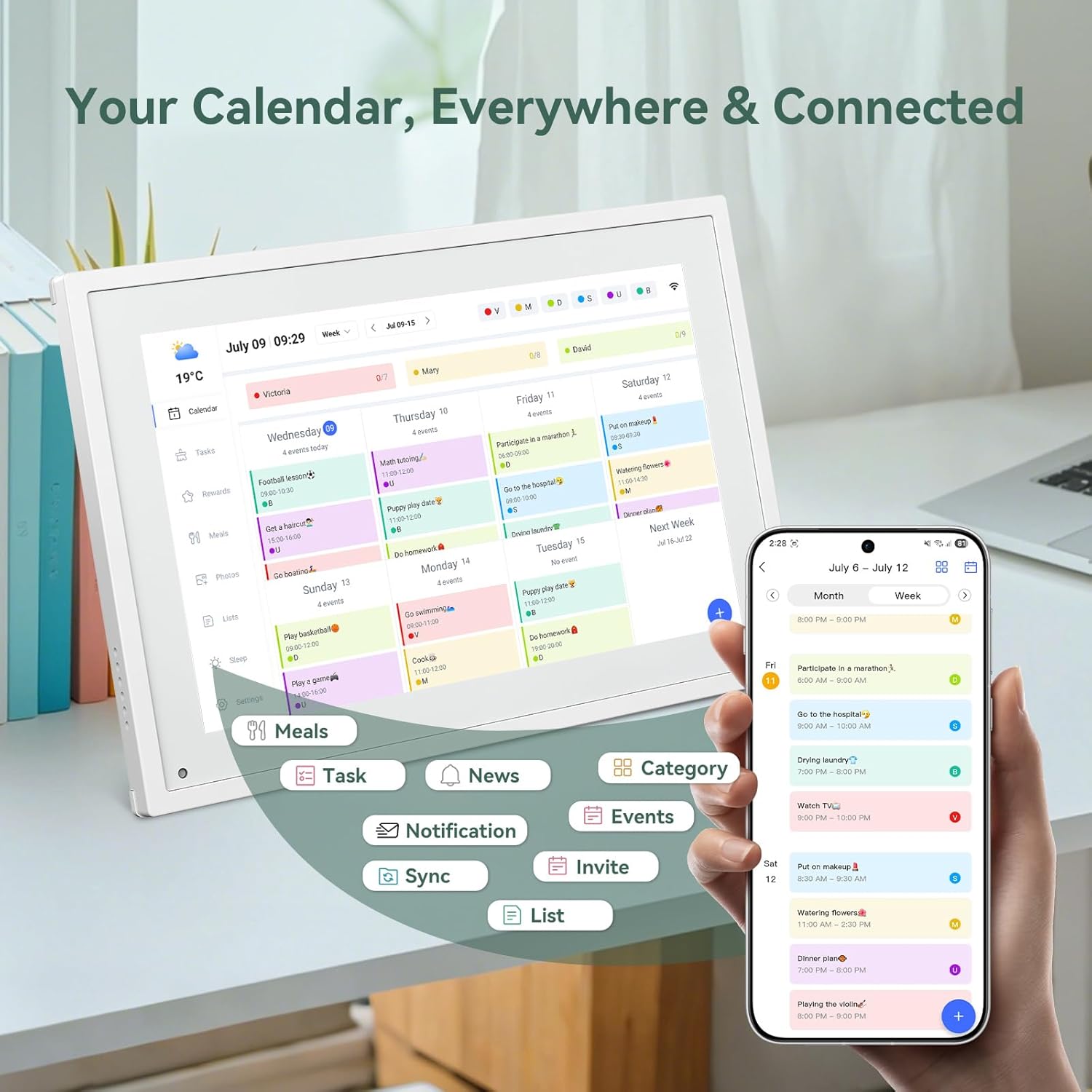
🔹【10.1″ HD Command Center】Crystal-clear tablet-sized touchscreen shines even in sunlight! Perfectly sized for kitchen counters, desks, or coffee tables. Plan meals, sync family schedules, manage chores, or tackle work tasks — one versatile hub for every space. Say goodbye to scattered planners!
🔹【Real-Time Multi-Device Sync】Sync instantly across all phones (iOS/Android)! Changes on Google/Apple/Outlook calendars auto-update on-screen → Family events, meetings, or tasks added via app appear live. Never miss a beat, even on the go.
🔹【Stress-Free Weekly Meal Planning】End the “What’s for dinner?” struggle! Visually plan breakfasts, lunches, dinners, and snacks for the whole week. Upload custom recipes, generate grocery lists instantly, and display menus for all to see. Finally achieve kitchen harmony!
🔹【Chore Motivator with Rewards】Build responsibility via star-point rewards! Kids earn points for completed chores (set repeats/reminders!), redeemable for prizes. Assign colorful avatars + track progress together — healthy habits made fun!
🔹【Smart Display, Smarter Features】Beyond a calendar: ☀️ Live weather forecasts 🌙 Auto-brightness & sleep mode🖼️ Digital photo frame (upload memories via app!) 🔔 Alerts for events/holidays. Your always-on life assistant. Eco Savings–Replace paper planners/photo frames — cut clutter, save trees, enjoy 24/7 plug-&-play efficiency.
🔹【Desk-Only Design & Plug-in Power】Functions exclusively as a desktop display (not wall-mountable) and requires constant power connection via the included adapter; no internal battery is included!


geyli –
Amazing Smart Calendar
I absolutely love this digital calendar! The screen is bright and clear, and the WiFi connection works perfectly. It was very easy to set up and sync with my family’s schedules. I use it to keep track of appointments, school activities, and reminders — everything stays organized in one place. The touchscreen is very responsive, and the design looks great in my kitchen. I’ve only used it twice so far, but it’s already become one of my favorite home gadgets. Highly recommend for families or anyone who loves staying organized!
danteduncan –
Recommend
This digital calendar is incredibly convenient. The touchscreen is responsive and the perfect size for our kitchen counter. It does so much: syncs our family schedules, manages meal planning, shows live weather, works as a digital photo frame, and even motivates the kids with chore rewards. It looks sleek, was a breeze to set up, and the screen is very responsive. Definitely recommending this to other families!
Eric O. –
Keeps My Family Organized and Connected!
I love this digital calendar! The 10.1-inch touchscreen is bright, easy to use, and perfect for keeping track of family schedules, chores, and meal plans. Syncing is super simple, and it even doubles as a photo frame when not in use. It’s stylish, practical, and has made our daily routine so much smoother.
dovidTzipporah –
I really enjoy
I really love this me and my wife use it all the time. The only downside to it is you can’t attach it to your wall.And it doesn’t have a battery.So it needs to be plugged in constantly. But it is really cool that you can have a calendar tasks.And everything in one place and have a display screen. Good options for repeating tasks and it syncs well with other calendars like google. The instructions could be clear.But overall, it is really simple to use. I really like it
M. Todaro –
Powerport on back makes impossible to mount on wall. **update** And now not powering on at all.
Works great with one massive flaw.The power port on the device is on the back, not on the side where should be. You cannot hang on wall without some kind of customization. Dumb design that drops it at least one star for me.**update** After working for about two weeks, the unit died. No longer powering.The power port being on the back is horrible. Not working at all earns it one star.
Naz K –
Love the shared calendar – keeps our whole family organized!
Mom of two here, this smart family board has been such a big help with our busy schedule. The shared calendar keeps everyone on track – activities , appointments, even dinner plans are all right there on the screen. It syncs perfectly with our phones, so any change shows up instantly. The display is bright and easy to read, and I love that I can also plan weekly meals and grocery lists right from it. My daughter enjoys checking off her chores and earning stars too. It’s made our mornings and evenings so much smoother!
Josh Samples –
A practical tool for a busy life.
As someone with a packed schedule, I bought this to help organize family plans, work commitments, and social events. It makes it easy to track important tasks so nothing slips through the cracks. Setup was straightforward, and I’ve already loaded all our family schedules into it. I appreciate how it sends reminders to keep everyone on track. It’s been genuinely useful, and I’d definitely recommend it to others.
María Zuniga –
I am happy
This calendar really helps streamline your schedule. I found it simple to set up and start using. Once connected to my phone calendar, it syncs instantly across all my devices. It’s especially useful for couples or families managing shared responsibilities—everything stays organized in one place. Would recommend if you’re looking to bring more order to your daily planning.
Zain –
This item is excellent and incredibly versatile. It works well in so many situations, and the quality is impressive. Definitely a great all-round choice!
Silence, Earthling! –
Well built and perfect for what I need, I am happy with this and will buy it again! ❤️❤️❤️❤️❤️
Shane –
Great item arrived well packaged on time