


From the brand


All-in-One Family Calendar

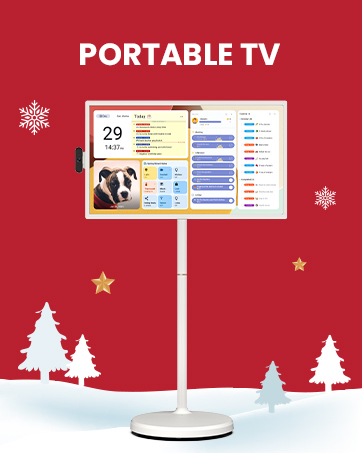


First Dual-Mode Digital Calendar — In Calendar Mode, apolosign calendar stay focused with Auto Sync Calendar across Google, Outlook, iCloud & more. Planner and Family Organizer keep schedules in one place. Switch to Android Mode to create a Dashboard and smart family hub.
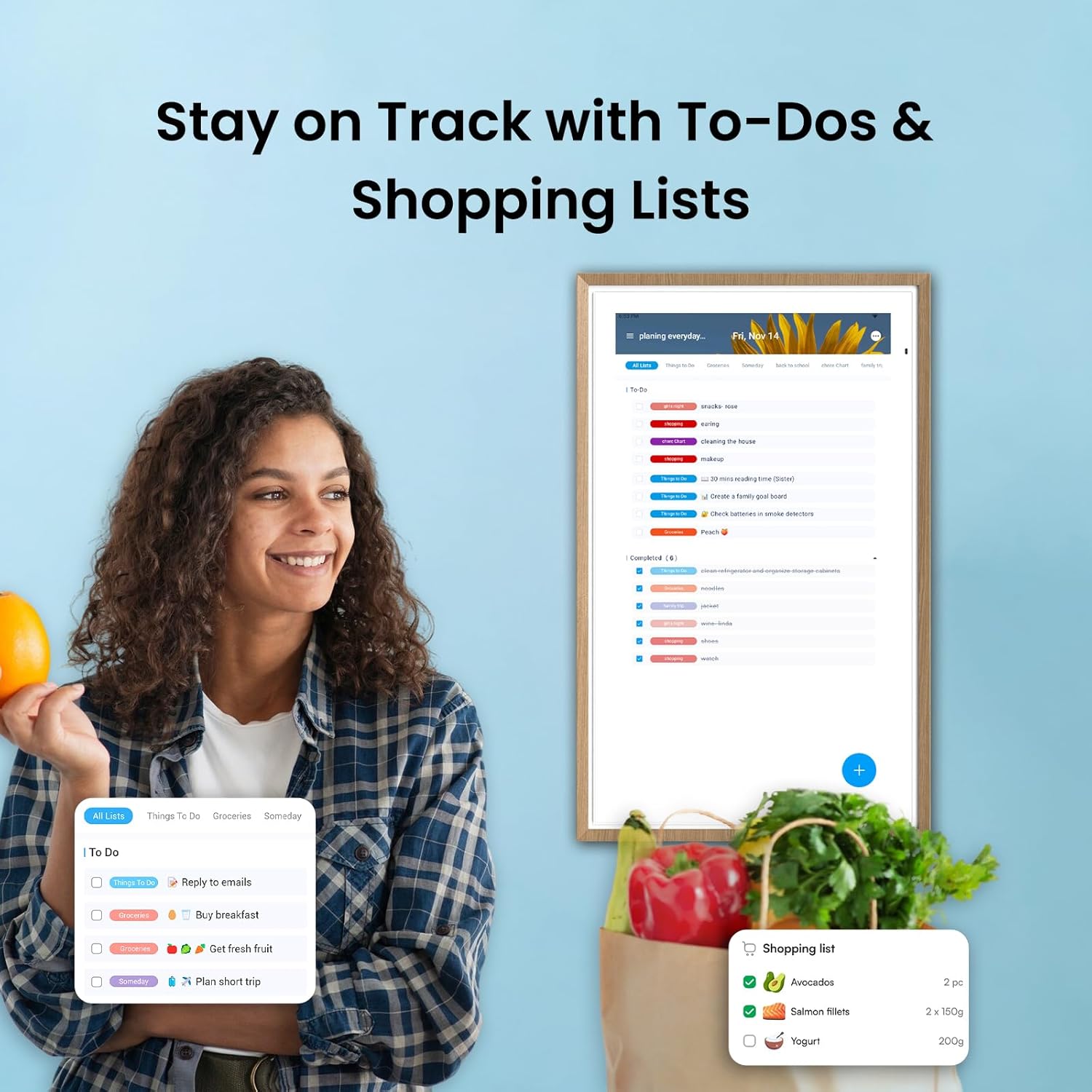
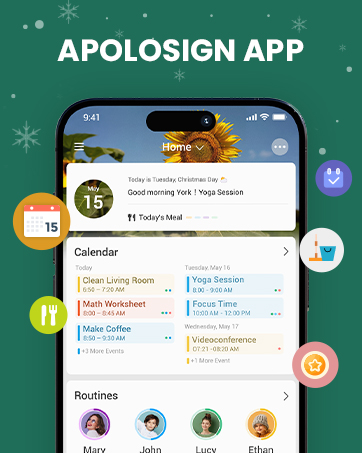
Reward-Based Chore Chart, Routine & Meal Planner — Turn chores into fun while keeping the whole family organized. This electronic calendar lets kids earn rewards for completing daily tasks and helps build healthy routines. Create color-coded to-do lists for groceries, shopping, wish lists, and plan weekly meals to stay on top of family dining — all in one place via the Apolosign Calendar Mobile App (Currently supported in the U.S. only).
Experience AI Voice Assistant & Smart Home Control — The Apolosign Smart Calendar lets you set alarms, check the weather, or manage tasks by simply talking to your calendar using four built-in microphones. Now preloaded with Google Gemini AI voice assistant, seamlessly connect with Google Home to monitor and control your smart home — doorbells, cameras, and more, all on one screen.
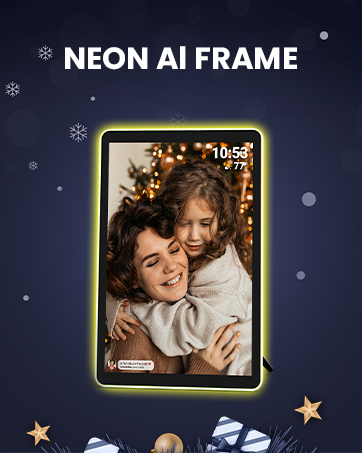
Smart Photo Frame & Live Screensaver — The 27″ HD touchscreen eCalendar displays memories from Google Photos and more, seamlessly, no subscription required. Personalize with videos, schedules, clocks, or a mix. Anti-glare matte glass reduces eye strain in bright rooms. Auto Brightness adapts, Sleep Mode saves energy. Beautiful faux wood frame for wall use.
Customize Your Widget Dashboard — Smarter eCalendar: Add and arrange the widgets you need — calendar, chores, meals, weather, doorbell, music controls, stocks, and more. Supports multi-page widget layouts, so you can view more at a glance. Customize your dashboards for a smart family hub. Whether syncing calendars or troubleshooting, our expert support team is available around the clock to assist you.


FFJeffO –
Simply the best digital calendar
The Apolo Sign Digital Calendar is an excellent tool for family organization, combining functionality with ease of use. Its standout feature is the ability to assign specific colors to each family member, allowing everyone to code and track their own tasks clearly and efficiently. This color-coding system helps prevent scheduling conflicts and keeps everyone on the same page.The calendar’s digital interface is intuitive and user-friendly, making it simple for all ages to add, edit, and view tasks. It’s perfect for managing busy family lives, from school events and appointments to chores and social activities. The visibility of each person’s schedule at a glance fosters better communication and coordination within the household.Overall, the Apolo Sign Digital Calendar is a reliable and practical solution for families seeking to streamline their daily planning. Its thoughtful design and customizable features make it a valuable addition to any home looking to stay organized and connected.
Anna –
ExcellenDigital Wall Calendar – Stylish and Functional! Review:
I am very pleased with the 15.6-inch Digital Wall Calendar. The size is just right – not too big, yet large enough to see all the details clearly. The screen resolution is impressive, offering sharp and vibrant visuals that make reading dates and events effortless. It’s also very user-friendly; I found it easy to set up and navigate through the various features. The build quality and finish are excellent, giving it a modern and sleek appearance that complements my home decor beautifully. This calendar has already made a positive impact on my daily organization. It helps me keep track of appointments, family activities, and important deadlines in one central place, making our daily routine much smoother. I believe this device is versatile enough to be useful not only at home but also in a professional environment. I highly recommend it to anyone looking for an efficient, stylish, and practical digital calendar solution. Overall, I am very satisfied with my purchase and confident it will be a helpful tool for managing my family’s and my own schedule.
Daniel Reynolds –
Familiar, Bright, and Super Useful
I wasn’t sure what to expect, but I’ve been really impressed with this digital calendar. The screen is large, sharp, and super easy to read—even from across the room. The Android-based software makes it feel familiar right out of the box, and setup was quick. It’s been a great way to keep our household organized, and the ability to add pictures is a really nice touch—it makes it feel more personal than a plain calendar.We use it mostly for family scheduling, but it’s versatile enough to display weather, reminders, and photos too. Overall, it feels well-made and reliable. It has decent storage and it’s a good size. Definitely worth it if you want something that looks good and keeps you on track.Why did you pick this product vs others?:This was a good size and had good reviewsValue for money:i think there are cheaper options but this one performs well
William –
Best Smart Calendar option I’ve seen all around.
After reviewing all of the pros and cons of several different smart calendars we decided on the Apolosign. We liked that you could set it up vertically and horizontally which provided options for placement in our home. We also liked that it does not require subscriptions or additional money to actually use it. Setup was a breeze and I find it is actually quite user friendly. Having 3 children under 5 we have a pretty full schedule so far and found ourselves struggling to make/commit to plans. Although there are calendar apps on phones and tablets that are available the large screen and weekly view really make it quite nice when looking at the week ahead, planning childcare, and making time for each other too. Happy with it so far and will recommend to others should they show interest in organizing their schedules/lives. As an added plus we’ve really leaned into using the to do list. Helps keep a running list of things and I use it as a reminder so I don’t forget different maintenance needs or things I tend to forget easily.
Jim C. –
Looks good, Basically a big android tablet.
Good looking, large bright screen. Very poor or no instructions. Still figuring things out, like switching from their programed calendar view and tablet view. I am basically using it as a big tablet and using the google calendar that links to my phone. Trying to figure out how to use the picture frame feature. Cant figure out how to get the code out of it to link to a 3rd party picture show program. Needs step by step video tutorials. All the videos I can find just talk about the features and scroll through the screens with no instructions how to actually use it. It assumes you are an expert on using tablet features, sinking devices and using widgets etc. Not to mention how to set it up and use their built in programs.
Alicia Chambers –
Worth the money
I just received my Apolosign and wanted to share my first impressions because I’m already loving it. The packaging was beautifully done, secure, clean, and premium-feeling, which gave me confidence right away. Everything inside was organized and clearly labeled, making the unboxing experience super easy.The size is perfect, not too bulky and not too small. It fits exactly how I envisioned and looks sleek on my wall. The setup was simple, the instructions were easy to follow, and it only took a few minutes. Even though I haven’t used it much yet, everything powered on smoothly, and the screen color and brightness look great. Syncing my calendars was quick and effortless.One thing I already appreciate is the readability. The text is clear, crisp, and easy to see from across the room, which makes it super convenient for quick glances throughout the day.So far, I’m really impressed with the quality, design, clarity, and overall feel of the product. I’ll update my review once I’ve used it more, but based on setup and first impressions alone, I’m very happy with this purchase!