





From the brand


49 inch Monitor Arm
Heavy Duty Monitor Arm
Ultrawide Monitor Arm
Desk Shelf & Pegboard
Accessories
Racing Simulator Cockpit
Foldable Racing Cockpit
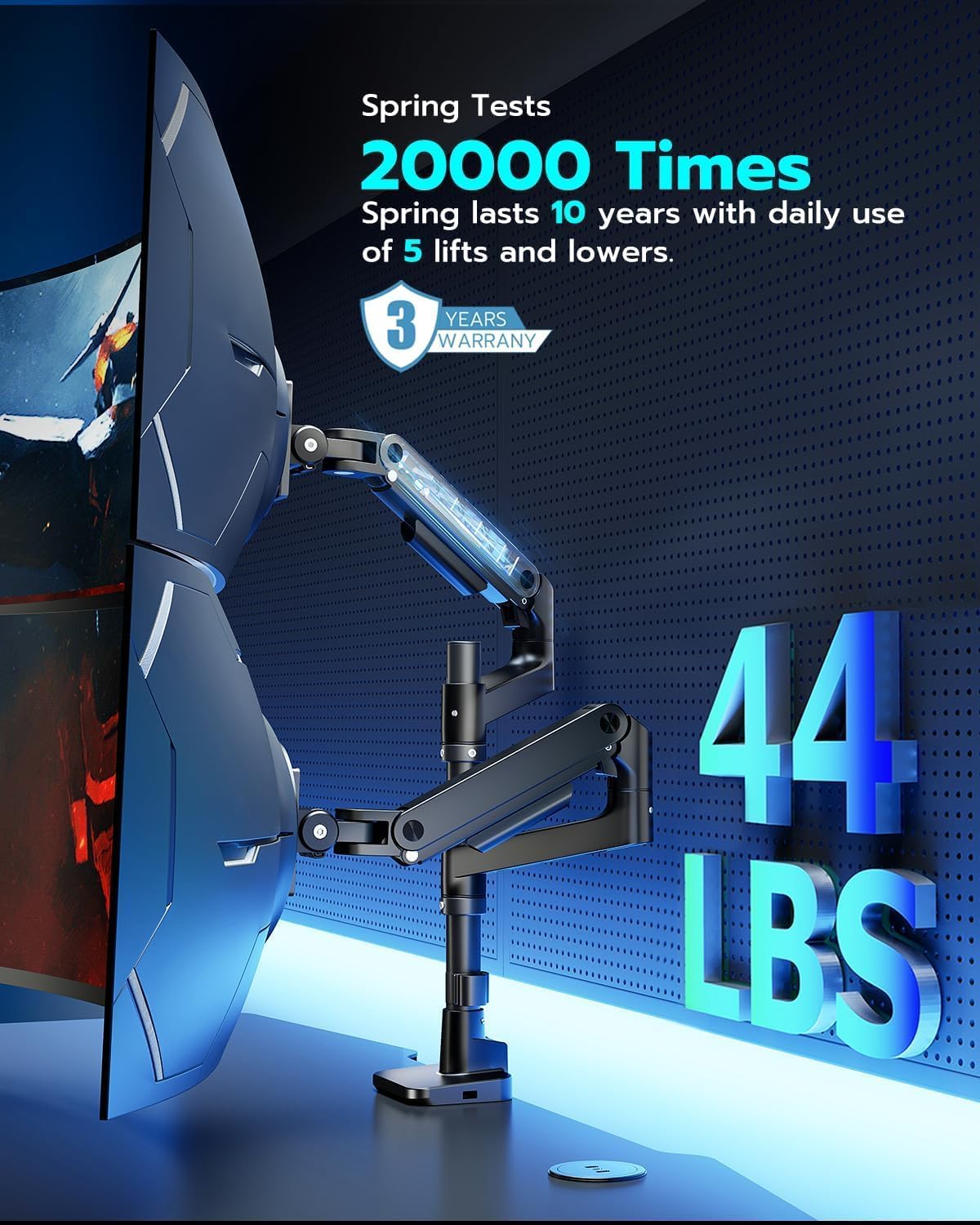
【Fit up to 49″ & 44lbs Monitors】Compatible with most QLED, OLED, LED flat, and curved computer monitors ranging from 17” to 49”. ARES WING monitor mounts for 2 monitors can hold monitors up to 44 lbs for each arm. Compatible with the Samsung Odyssey G9, LG, and other 49″ ultrawide monitors, you need to prepare a VESA mount adapter if your monitor does not have VESA holes.
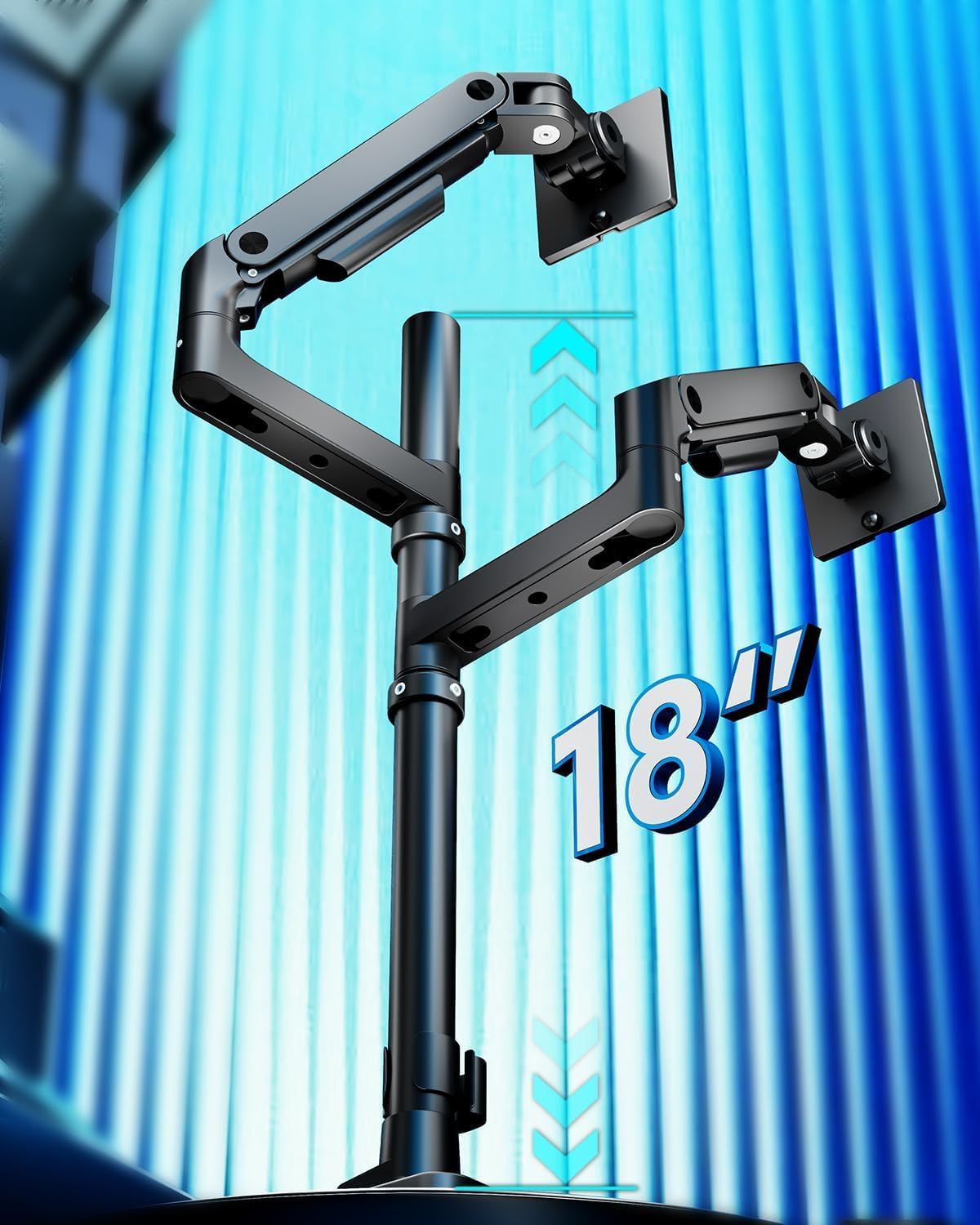
【Flexible Adjustability】The double monitor mount’s maximum height is adjustable to 27.9”, and the maximum arm extension is 22.4”. With a stable gas spring, it offers a screen tilt of -50° to +20°, ±90° swivel, and 360° rotation. This height flexibility in the dual monitor arms allow for various screen stacking ways, providing more comfortable experience whether you are gaming or watching matches.
【Durability】Our dual monitor desk mount features industrial-grade gas springs, which eliminate the rebound problem common in standard stands, ensuring effortless adjustments. Tested over 20,000 times for stability even at full extension angles.
【Upgraded USB】Equipped with enhanced USB capabilities, this monitor arm dual allows simultaneous charging for two devices. The integrated USB-C port (5V/2A) and USB-A port (5V/2A) on the two monitor desk mount provide convenient charging options for your phone, watch, tablet, laptop, and headphones at any time.
【Easy Installation】 The dual screen monitor mount’s C-clamp fits a desk thickness of 0.5-1.8”, and the grommet mount fits a desk thickness of 0.5-2”. With quick-release panels and comprehensive picture and video instructions, installation of the monitor mount dual is straightforward and does not require crawling under the desk. It accommodates VESA patterns of 75x75mm and 100x100mm.
【Pro Support】If you encounter any problems during use, Ares Wing will provide you with one-on-one installation guidance, parts, or monitor arm replacement services.


AJ –
Great with Apple Displays – Surprisingly amazing quality
I ordered a bunch of arms to set my Apple Displays up how I wanted them. I’m a graphics professional and these monitors are basically my main tools for work year in and year out, so I care a LOT how they are set up and where they are set up and ultimately what’s holding them. I was tired of stands on my desk so I wanted to run some arms.I tried HumanScale, Ergotron, Knoll, etc – I set them all up and, for me, (quite surprisingly) these relatively cheap arms were the winners. I’m pretty snobish about my gear and I wish the more bougie brands were the winner, but I can’t deny how grea these are. They were the most solid / no wobble vs the other options. They also look the best vs the others. No branding, subtle smiley face adjustment indicators, white VESA covers and a small but safe base. Ergotron had an ugly VESA plate and ugly clamp, HS arms were kind of bulky and too terminator-metallic (and sheesh the price). These are the cleanest looking, most solid arms out of the many that I tried.They do, in fact, tilt forward. You apply a light amount of pressure and then tighten them forward, works great. My top Studio Display is tilted forward. The cord management on these arms also SMOKED the $415 Ergotron options, way cleaner.My only semi-gripe (and someone else posted it about this arm) is that you *do* have to take the whole thing down to move it around on your desk. I see this as kind of a non-issue long term through because once my monitors are up its usually a LONG time before they need to be moved (rearranging my office or moving or something, I usually don’t just move the arm around all the time. Also if you are doing it via grommet that’s how it’s going to work out anyway). It’s a small pain in the beginning when you are setting up. Lastly, the set screws on the arms are chrome and if they were white, that’d be a nice touch to blend them into the arms better. Super small nit pick though. I’d buy these again any day.
BetosNuts –
Best value, strong, easy assembly, worth the price. The strongest mounts for dual 49″G9 Samsung oled
Did my research and watched the Manufacturer’s product videos along with some youtube video reviews and installation tips and tricks videos. My install involved two Samsung G9 oled monitors from Prime WITHOUT the television hub. These monitors are being used for stock trading and I am not a gamer.The assembly and quality of the aluminum shafts, parts, and spring arms was excellent. Take your time and watch some of the videos. Follow the directions and look for the mounting backplate arrows that show you were to point it towards the top of the monitor. Be careful screwing the VESA Samsung included adapters into the back of the monitor hole area. The small tool kit with necessary allen wrenches was helpful. My set up required the base clamped unit to be mounted about six inches to the right of the desk centerline so that when the arms are mounted and monitors attached they will center up property on the desk line due to swing arm offsets.Make sure you attach the monitor mounting plates with the arrow pointing to the top of the monitor.Latching onto the arms is simple but do them slowly and make sure you backout the tension allen wrench screws at least three turns counterclockwise so the arm will not drop when the 28 lbs. monitor is secured to the arm which lists a max weight per arm of 44 lbs. so these are way under the load limit.You’ll love the results and when properly adjusted these oled G9 monitors are perfectly suited for this type of installation.
ken –
Amazing addition if you have 2 monitors
Excellent, Sturdy, Easy to Assemble Amazing Adjustability
Jordan –
Quality product
Quality product. Would have been nice if the main bar was a few inches higher to accommodate a bit more flexibility in mounting. But it works well enough for me.
Michael Graf –
Super solid, dual arms holding my stacked monitors very nicely
The only problem I had was, I was confused about the tension adjuster in the up and down aspect of one the arms. That was a little bit of a hassle, but other than that, everything went very smoothly although I didn’t use the USB section under the base because I didn’t see the manual until it was already installed. The two monitors have are stacked with a 49 inch on the bottom of a 34 inch curved on the top. I adjustedthe curved one on the to face down probably 15 to 20° angle it just feels super secure and I like that I can still move them to access cable access points on their back sides definitely would recommend this product
G.R.C. –
Easy install, solid build.
Easy install, so far …. holds a single 49″ Perfectly. Hopefully if the second monitor ever shows up; i can update review based on the dual 49″ Capabilities.
Priscilla –
Don’t do it!
I would give it zero starts if I could. This is the worst mount I’ve ever put together. It’s a completely unstable mount. The tension for the tilt is spring based, you have to force it down while you tighten it for it to even work. It’s wobbly from the base and I’ve tightened it as much as it would go. The picture showed it works for curved and larger monitors yet the square part you screw into the monitor is large but still sets on top of the circular back of my monitor BUT they didn’t even give long screws as the second option for that. Makes ZERO SENSE! I’m returning this, don’t waste your money. My PREDATOR monitor was way too expensive to potentially fall off this mount.
Adam Wheeler –
Durable and easy on your wallet
Great VESA mount! All pieces feel and look durable. Everything was packed smartly and the instructions were very clear. I had no doubts this would support both my expensive monitors once put together. The gas shocks adjust easily. I have my monitors stacked. I haven’t had any movement after I adjusted the arms and set them where I need them to stay. Great value!
JB – TheyCallMeDrJ –
Solid dual arm holds 34″ monitors without issue. Free movement. Able to mount multiple ways.
AGScotty –
Supports two 40 inch ultrawide monitors very well.
Minhal Syed –
Works great so far with my Samsung 49 G9 OLED.Also love how the mount doesn’t need a lot of clearance in the bottom since it is screwed from the top. Smart!
Amazon Customer –
It works well and can hold up my 34″ inch monitor, the difficulty was getting to stack on top of the other
isaac –
I’ve been hunting for a good dual-arm monitor mount for a while, and after looking at a few different options on Amazon, I decided to go with this one. It’s definitely a bit more expensive, but honestly, the quality makes it totally worth it.At first, I was a little worried the installation would be a hassle, but it turned out to be super easy. The instructions were clear, and there’s even a QR code that links to an installation video, which made everything even smoother.The arms are solid and stable—no wobble at all. My monitors are nice and secure, and the setup has been perfect for my work. Plus, it’s saved me a ton of desk space, which is a big win. All in all, I’m really happy with this purchase!