



From the brand

SONOFF
Foster innovation to make life simpler and smarter.

SONOFF specializes in the development and production of smart home hardware and products.
It is located in Shenzhen, which is the Chinese electronics market, and due to our strong production capacity, SONOFF is able to provide high-quality products at an affordable cost.
SONOFF WiFi Smart Home
SONOFF Smart Home

Voice command
Tell your voice assistant what you need, make life smarter.


Is Discontinued By Manufacturer : No
Product Dimensions : 3 x 2 x 1.02 inches; 13.12 ounces
Item model number : S31
Date First Available : February 20, 2021
Manufacturer : SONOFF
ASIN : B08X2944W7
Best Sellers Rank: #21,140 in Tools & Home Improvement (See Top 100 in Tools & Home Improvement) #134 in Electrical Outlet Switches
Customer Reviews: 4.4 4.4 out of 5 stars (1,708) var dpAcrHasRegisteredArcLinkClickAction; P.when(‘A’, ‘ready’).execute(function(A) { if (dpAcrHasRegisteredArcLinkClickAction !== true) { dpAcrHasRegisteredArcLinkClickAction = true; A.declarative( ‘acrLink-click-metrics’, ‘click’, { “allowLinkDefault”: true }, function (event) { if (window.ue) { ue.count(“acrLinkClickCount”, (ue.count(“acrLinkClickCount”) || 0) + 1); } } ); } }); P.when(‘A’, ‘cf’).execute(function(A) { A.declarative(‘acrStarsLink-click-metrics’, ‘click’, { “allowLinkDefault” : true }, function(event){ if(window.ue) { ue.count(“acrStarsLinkWithPopoverClickCount”, (ue.count(“acrStarsLinkWithPopoverClickCount”) || 0) + 1); } }); });
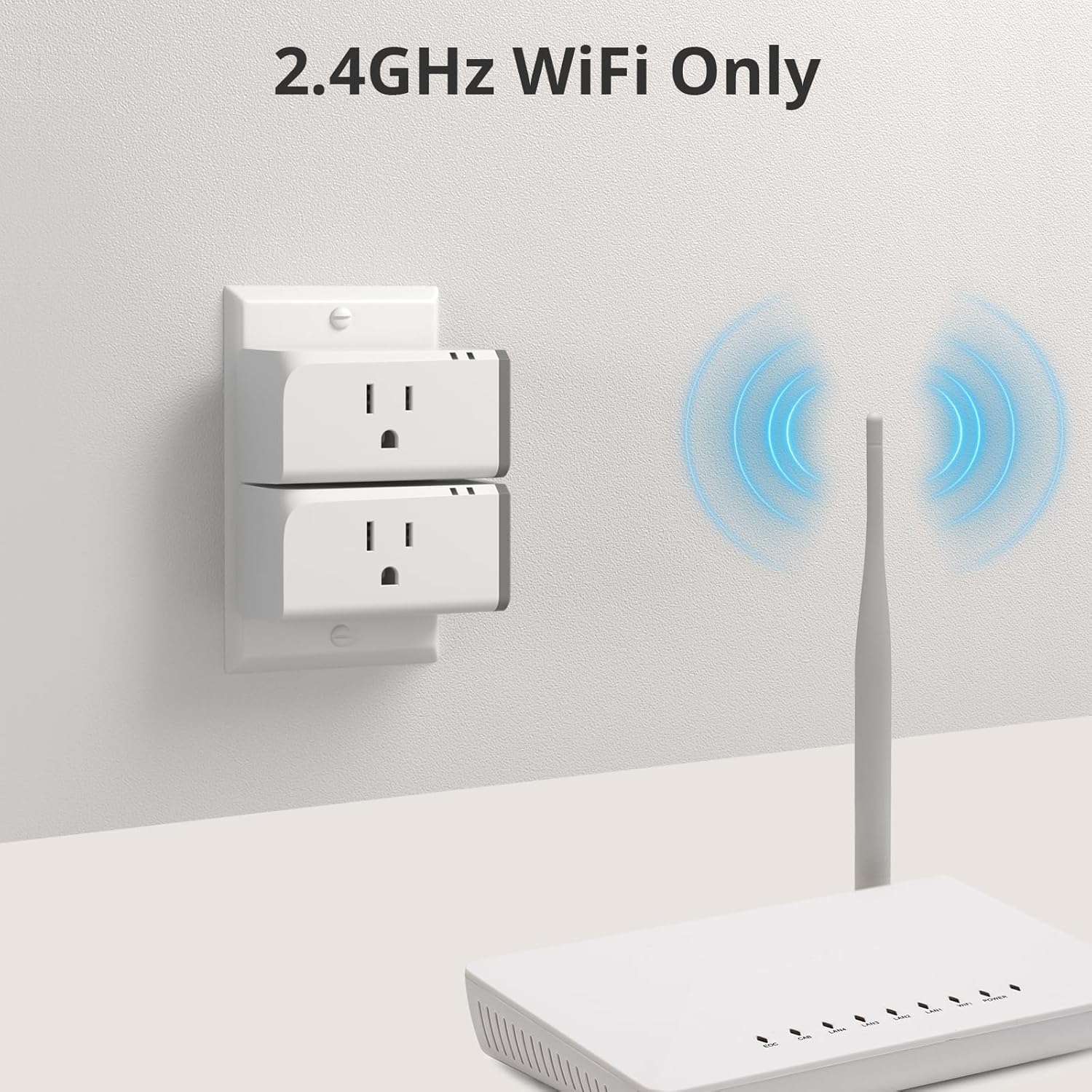
Note: The SONOFF S31 only works with 2.4GHZ WiFi, not 5GHZ WiFi at all, and not 2.4GHZ/5GHZ Dual Band WiFi. make sure your network has different sids for 2.4GHZ and 5GHZ networks, and the device will work properly.
Monitor Energy Consumption: Keep track of real-time power, current and voltage of your appliances on App.and Measure your appliances’ power consumption for 100-day daily/monthly energy usage data and total electricity cost.
Works with Alexa & Google Home,IFTTT Supporting: Link “eWeLink Smart Home” skill. You can directly ask Amazon Echo/Echo Dot/Amazon Tap to turn on/off your SONOFF devices.Link “eWeLink Smart Home” on Google Home app, start to voice control your SONOFF devices on Google Home.
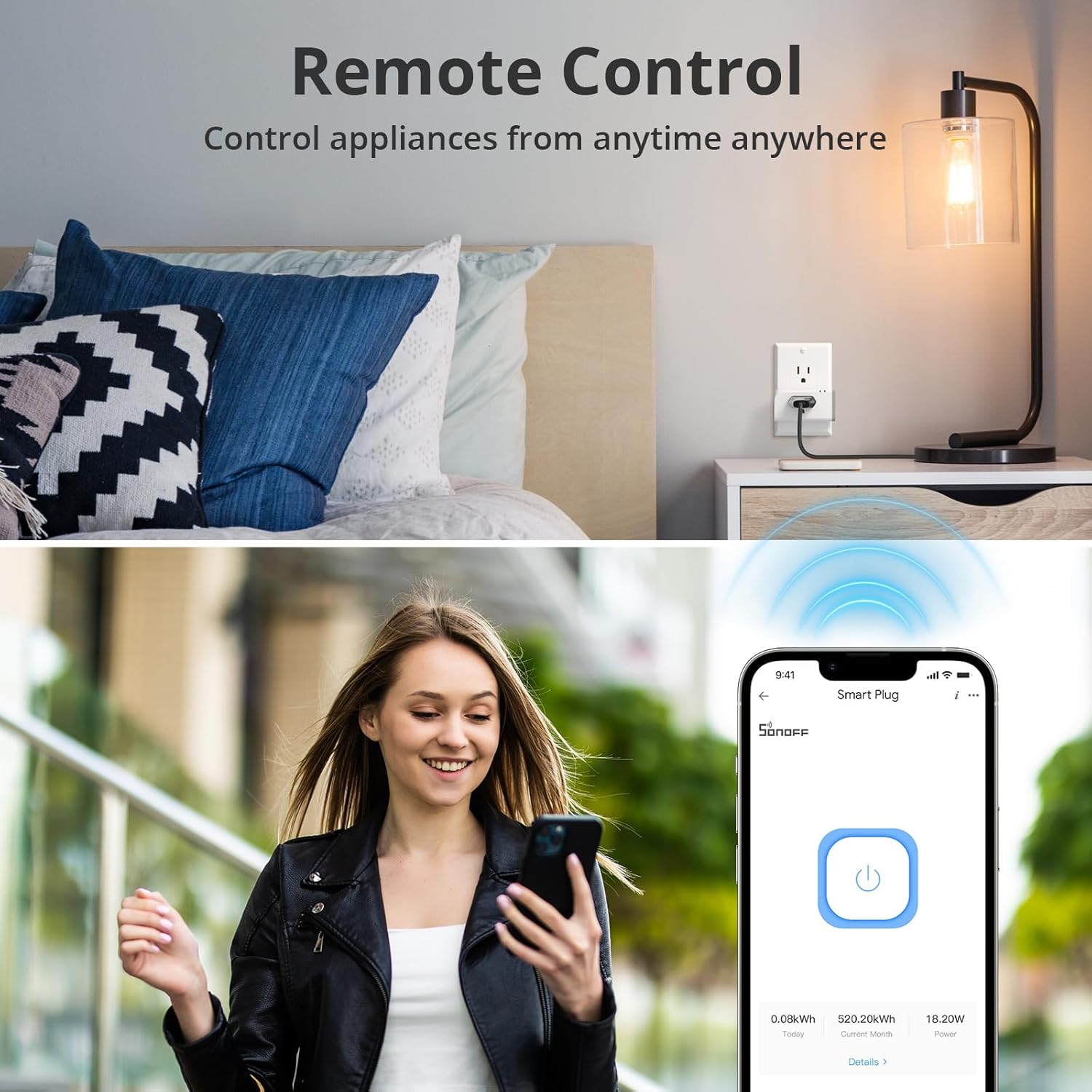
Smart Remote Control Plug: You can remotely/timely control ON/OFF any connected home appliance via APP eWeLink on your smart phone or tablet. No distance/time limitation.
Set time schedules for the lights and home appliances: You can set countdown/single/repeat timers to auto-turn on/off the WiFi controlled outlet on App. One tap ON/OFF Energy Saving.
Share control of devices to others: You can simply share control of your home appliances to others so that they can also turn on/off the devices remotely.


Bird Man –
Great unit for ESPHome
Love these!Easy to use and Compatible with Flashing over to ESPHome for Home assistant.I do wish it was a bit easier but if you do a lot of these can just make a jig to program.Power monitoring seems to be accurate checking with a KilowattThe inside traces seem to be thick enough to handle the amperage it is rated at.Function great for my needs to monitor energy of devices and trigger automation and also be able to toggle on and off the device.Use with my Washer to tell when it is done since it can do 15 amps.
JS –
Excellent smart switch
I’ve purchased several of these smart switches and think they’re are great. Getting them recognized can be a bit tricky, but once they’re connected to the network, the app never fails to recognize them. The first one I bought was about three years ago, and it’s as reliable as ever.It can be a real bonus to be able to see what the power draw is from the connected device. For example, if you are running a string of 10 garden lights, and each one draws 5 watts, then one day you see that the string is only using 45 watts, you know one is blown, even if you can’t see it at night.It would be great to find an app that would run not only these switches, but some of the other brands we have also, but that’s not the fault of this manufacturer.In summary, it a high quality, reliable product that does what it’s advertised to do and more.
AJ Wright –
Tasmota firmware
I have at least twenty of these. You have to take them apart and use some alligator clips to install tasmota the first time, but after that they’re OTA upgrades.Great devices. Very reliable with tasmota firmware.
Amazon Customer –
Works well with ESPHome/Home Assistant home automation systems
Bought these to integrate into a Home Assistant home automation system. They are ESP-32 based and if you take them apart you can re-flash them with software from esphome.io to do the integration without needing the Sonoff app [unfortunately the re-flash process itself isn’t well documented but I did eventually get them done]. The only issue I had with them (hence 4 stars) is that their WiFi connectivity is really touchy and required some adjusting of my router parameters before they’d connect reliably (2Ghz only but they don’t push a lot of data). With Home Assistant you can turn them on and off remotely and also monitor power usage and the like. AND they are pretty cheap. 🙂
nj28sharp –
The SONOFF S31 is great after you flash it with tasmota
Pros:FlashableAffordableEasy to useCompatible with Amazon Alexa, Google Assistant, and IFTTTPower monitoring featureCons:Too big it cover 2 gauge outletsNot as fast as some other smart plugsDoes not support 5GHz Wi-FiTo flash a Sonoff S31 with Tasmota, you will need the following:A Sonoff S31 smart plugA USB to TTL adapterA micro USB cableA computer with a terminal emulatorOnce you have gathered your materials, follow these steps:Disconnect the Sonoff S31 from power.Open the Sonoff S31 and expose the PCB.Locate the GPIO0 button and the TX and RX pins.Connect the TX pin of the USB to TTL adapter to the RX pin of the Sonoff S31.Connect the RX pin of the USB to TTL adapter to the TX pin of the Sonoff S31.Connect the ground pin of the USB to TTL adapter to the ground pin of the Sonoff S31.Connect the 3.3V pin of the USB to TTL adapter to the 3.3V pin of the Sonoff S31.Connect the USB to TTL adapter to your computer.Open a terminal emulator and set the baud rate to 115200.Enter the following command to enter bootloader mode:Press the GPIO0 button and hold it down.While holding down the GPIO0 button, plug the Sonoff S31 into a power outlet.Release the GPIO0 button after a few seconds.The Sonoff S31 should now be in bootloader mode.Use the terminal emulator to upload the Tasmota firmware to the Sonoff S31.Once the Tasmota firmware has been uploaded, the Sonoff S31 will reboot.The Sonoff S31 will now be running Tasmota.
J. N. –
Bought two, neither would pair.
This was a complete waste of time. I bought them because they are very popular and I just wanted cheap and simple energy monitoring.I couldn’t get either of them to pair and the instructions were no help. I have been repairing and building PCs for over 24 years and have been working with Android devices, (flashing custom firmware etc.) for 13 years. I have never had “smart” devices that did not work out of the box when following the instructions.I went to the internet for a solution and only THEN did I find that most recommendations for these say that the official firmware and eWelink app are so bad that you should only use these if you plan to make hardware modifications to the device so you can flash an unofficial firmware… which is fine, but isn’t what I bought them for. Looking further, I see that the eWelink app has some questionable security and privacy issues and is required to do pretty much anything with it. Someone even said you have to pay for some kind of subscription to update firmware? I have no idea. At this point I just want out. Now I have to waste more time taking the things to a UPS drop off location just to get my $15 back.Also, this isn’t the fault of the device, but when I took a few minutes and considered actually just doing the hardware mod and Tasmota firmware flash I googled it and saw that the Tasmota subreddit has shut down in protest of Reddit’s policy changes. Great. So all of the helpful information on there that could come up in google searches if (when) I have questions is all gone. Thanks guys. On top of that, most people will need to buy a kit to adapt the thing to a USB connector to flash the firmware, and once you’ve done this the Energy Monitoring feature will need to be calibrated, which requires… you guessed it… a working energy monitoring device, like a Kill-A-Watt. Which I don’t currently have (mine died)… which is why I bought these.Returning these S31s now. If this doesn’t sound like a good use of time to you, please just buy something else.I’m considering getting a YoLink smart plug with monitoring because I have some of their other devices and they work absolutely perfectly and work offline because they are hub based. I just wish it didn’t cost 5 times as much as one of these Sonoffs.
Christophe Ménard –
Excellent intelligent electricity connector on wifi
sergio –
Cumple con su función y sencillo de instalar
Émile Paradis –
I didn’t even test them with the app, I directly flashed them with Esphome. Disassembly was a breeze, flashing them was a bit tricky but that’s what you get when you do it without an iron solder.Now that they’re flashed, I run a custom template to report the current and wattage to Home assistant. The build quality is solid and they have so far responded really well.This is really the best of both world, a great product flashed with a custom firmware I have 100% control over.
Esteban –
I use it to monitor the Electrical draw on some frequently used appliances, fridge, freezers, microwaves etc
Antonio Valdeon –
Llego rápido